

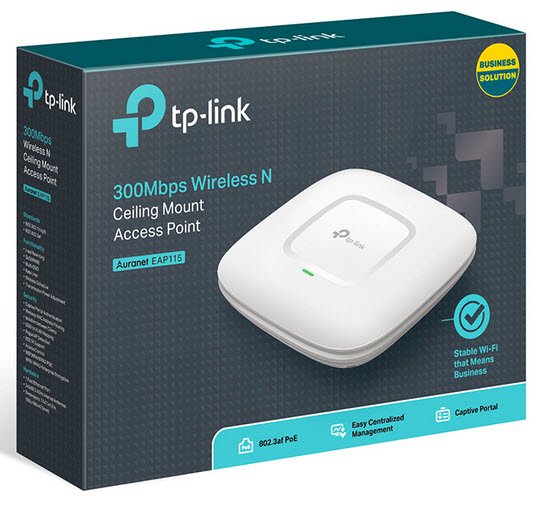
TP-Link EAP115 Wireless-N Ceiling Mount Access Point
R645.00 inc. VAT
A no-fuss 802.11n ceiling-mount access point delivering up to 300Mbps on 2.4GHz with a clean, low-profile disc form factor. Powered via 802.3af/at PoE with no separate power supply needed, and fully integrated into TP-Link’s Omada SDN for centralised management. A solid, cost-effective coverage option for small offices, retail spaces, classrooms, and similar indoor environments.
In stock
Description
Ceiling-Mounted Coverage, Done Simply
The EAP115 is a ceiling-mount access point that prioritises straightforward deployment over fancy specs. It mounts to a ceiling or wall with the included mounting kit, sits flat against the surface, and gets out of the way. At 180×180×47.5mm with two internal 3dBi omni-directional antennas, it distributes signal evenly across the room below — the kind of placement that avoids the dead-corner problem you get with wall-mounted routers. Best suited for small-to-medium indoor spaces: open-plan offices, classrooms, retail floors, waiting rooms, and similar environments.
Wireless Performance
Equipped with 2×2 MIMO technology, the EAP115 delivers Wi-Fi speeds of up to 300Mbps on the 2.4GHz band. This is Wi-Fi 4 (802.11n), not Wi-Fi 6 — so set expectations accordingly. It handles everyday business traffic comfortably: browsing, email, VoIP, light file transfers. If you’re deploying in a high-density environment with dozens of concurrent clients pushing heavy throughput, step up to an EAP with a higher client capacity rating.
PoE-Powered, Minimal Cabling
PoE allows your network cable to carry electrical power, cutting down on cable clutter and eliminating the need for a power outlet at the mounting point. Power consumption sits at a frugal 2.8W, so it won’t put strain on your PoE switch’s power budget either.
Omada SDN & Guest Network Features
The EAP115 plugs into TP-Link’s Omada ecosystem alongside other EAPs, switches, and gateways. Zero-Touch Provisioning, centralised cloud management, and intelligent monitoring are all on the table via the Omada app or software controller. You get up to 8 SSIDs, multi-SSID segmentation for different user types, management VLAN support, QoS, wireless scheduling, and rate limiting. Guest network authentication options include SMS, Facebook Wi-Fi, and voucher-based captive portal.
⚠️ Single-band only: The EAP115 operates on 2.4GHz exclusively. If your environment has significant 2.4GHz congestion — dense residential areas, older wireless gear everywhere — consider a dual-band model instead.
Key Highlights
- 300Mbps 802.11n (Wi-Fi 4) on 2.4GHz
- Ceiling or wall mountable — mounting kit included
- 802.3af/at PoE powered — no power outlet at install point needed
- 2×2 MIMO with two internal 3dBi omni antennas
- Up to 8 SSIDs with per-SSID segmentation
- Omada SDN: cloud management, ZTP, Omada app support
- Captive portal with SMS, Facebook Wi-Fi, and voucher authentication
- Kensington lock slot for physical security
- 2.8W power consumption
Proudly sold by the Ringwood Digital Store.
Additional information
| Weight | 0.5 kg |
|---|---|
| Dimensions | 19 × 18 × 4.75 cm |
| Size | 180mm x 180mm x 29.5mm |
| Interface | 1x Fast Ethernet (RJ45) |
| Button | Reset |
| Antenna | 3x Internal 3dBi Omni |
| WiFi Standards | IEEE 802.11n/g/b |
| WiFi Signal Rate | 11n: Up to 300Mbps (dynamic) |
| Transmit Power | ≤19dBm (CE) |
| Wireless Features | 8x SSIDs |
| Wireless Security | Captive Portal Authentication |
| Power Supply | PoE (IEEE 802.3af) or External 12VDC/1.0A Power Supply |
| Power Consumption | 5W |
Related products
-
- Networking, Server Cabinets, Wall Mount
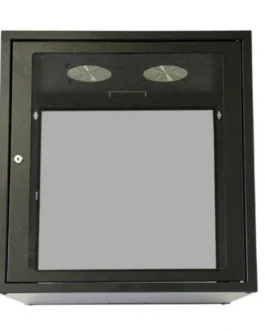
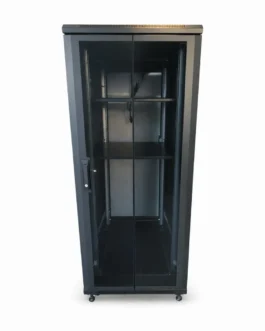
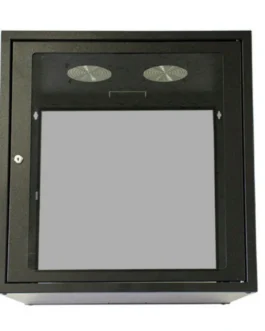
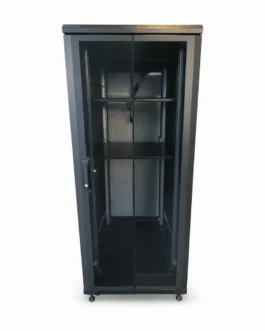
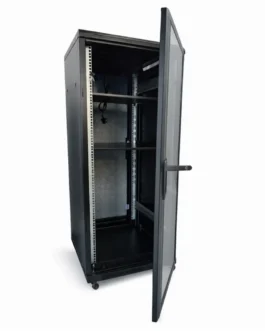
Cattex 12U 450 Deep Wall Mount Server Cabinet
- Price range: R1,885.00 through R2,129.00 inc. VAT
- Select options This product has multiple variants. The options may be chosen on the product page
-
- Networking, Server Cabinets, Wall Mount
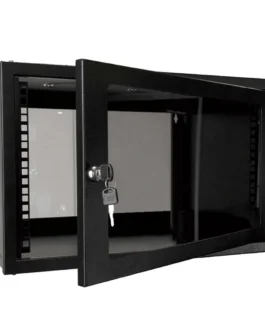
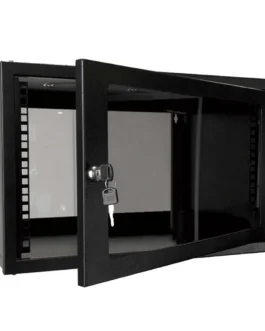
Cattex 4U 450 Deep Wall Mount Server Cabinet
- Price range: R1,319.00 through R1,375.00 inc. VAT
- Select options This product has multiple variants. The options may be chosen on the product page
Reviews
There are no reviews yet.